


Save from anywhere
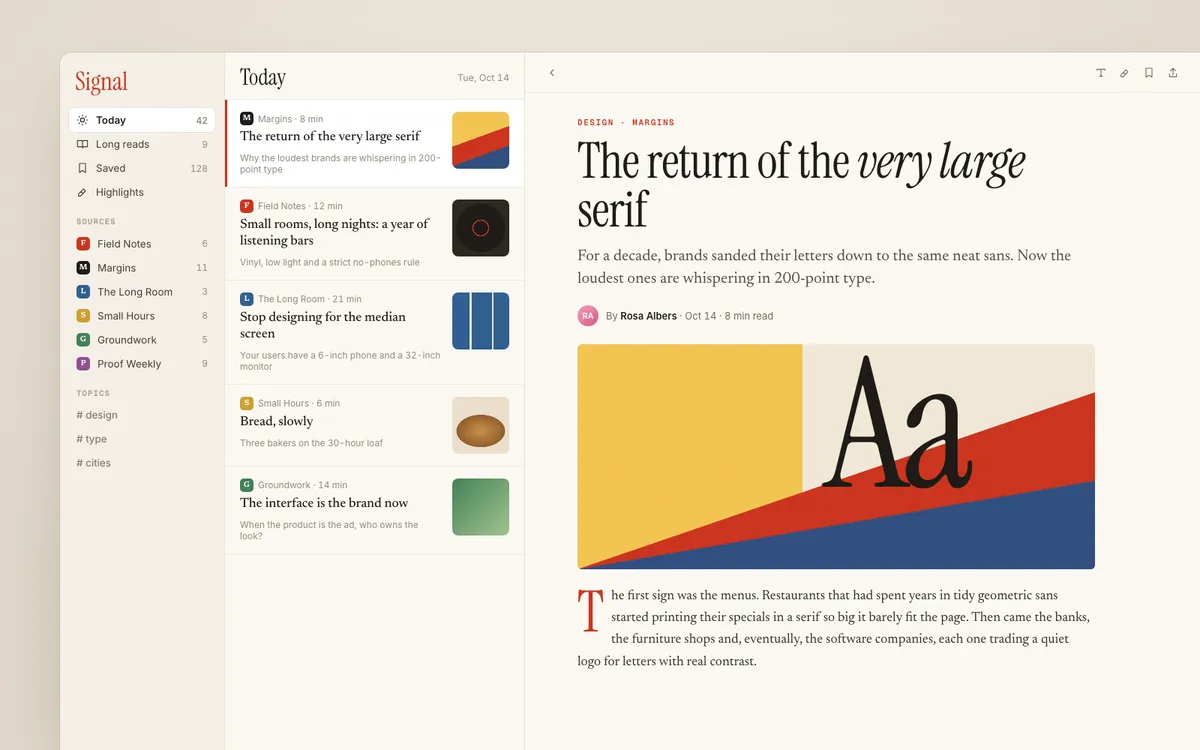
Drag over any part of your screen. ⌥⇧2 saves whatever's on your clipboard: an image, a link or an X post. For links it reads the page's real fonts and spacing.
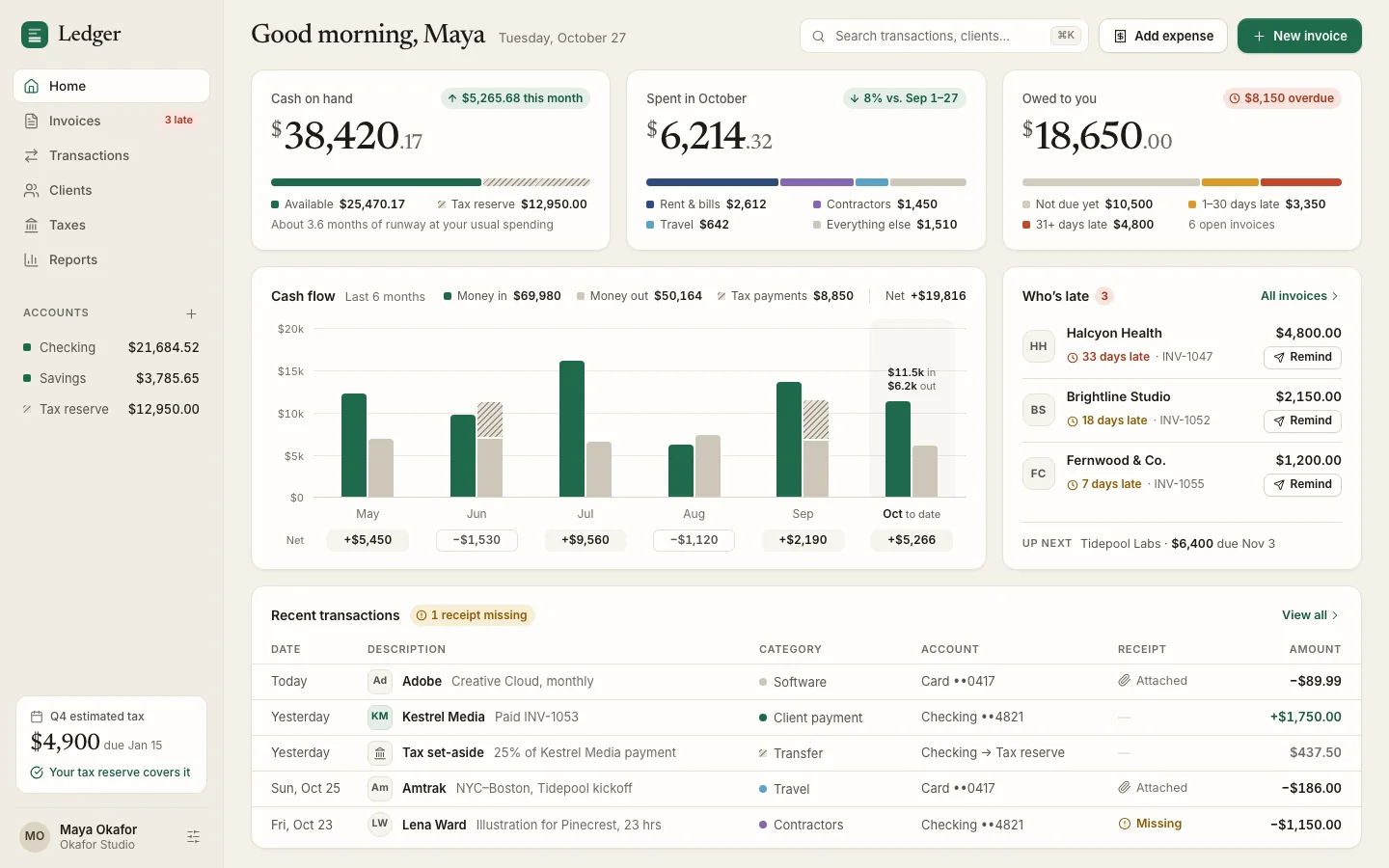
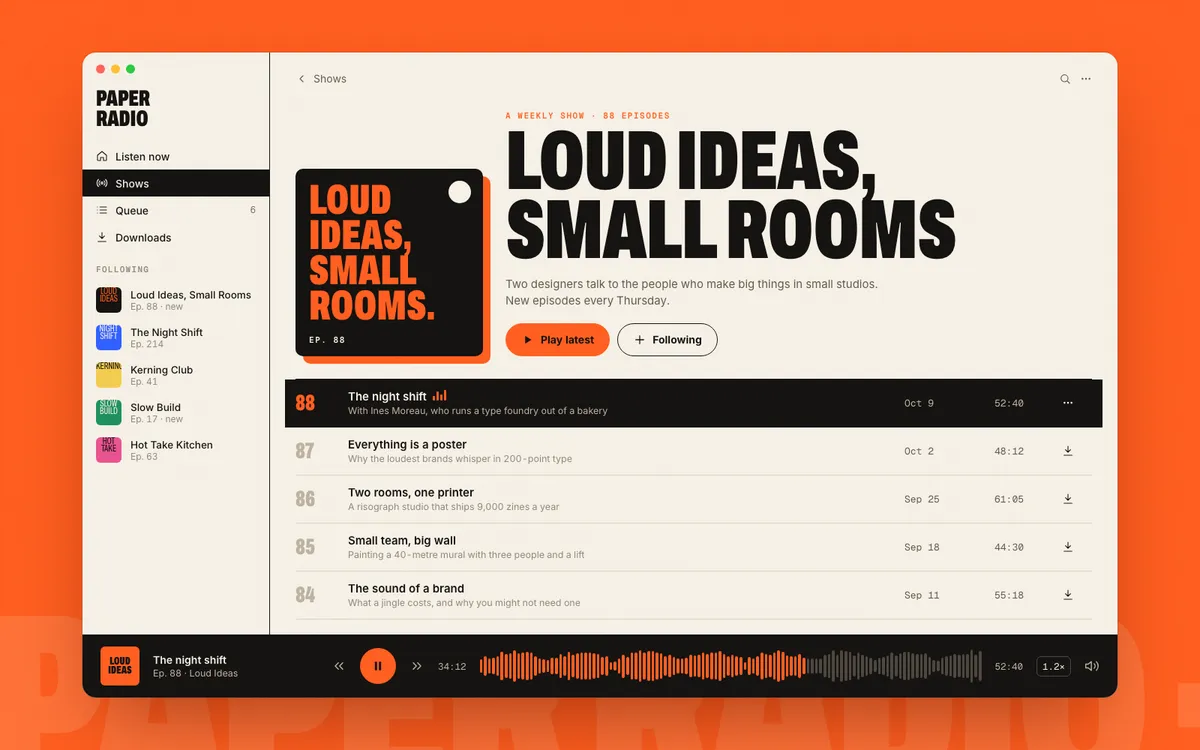
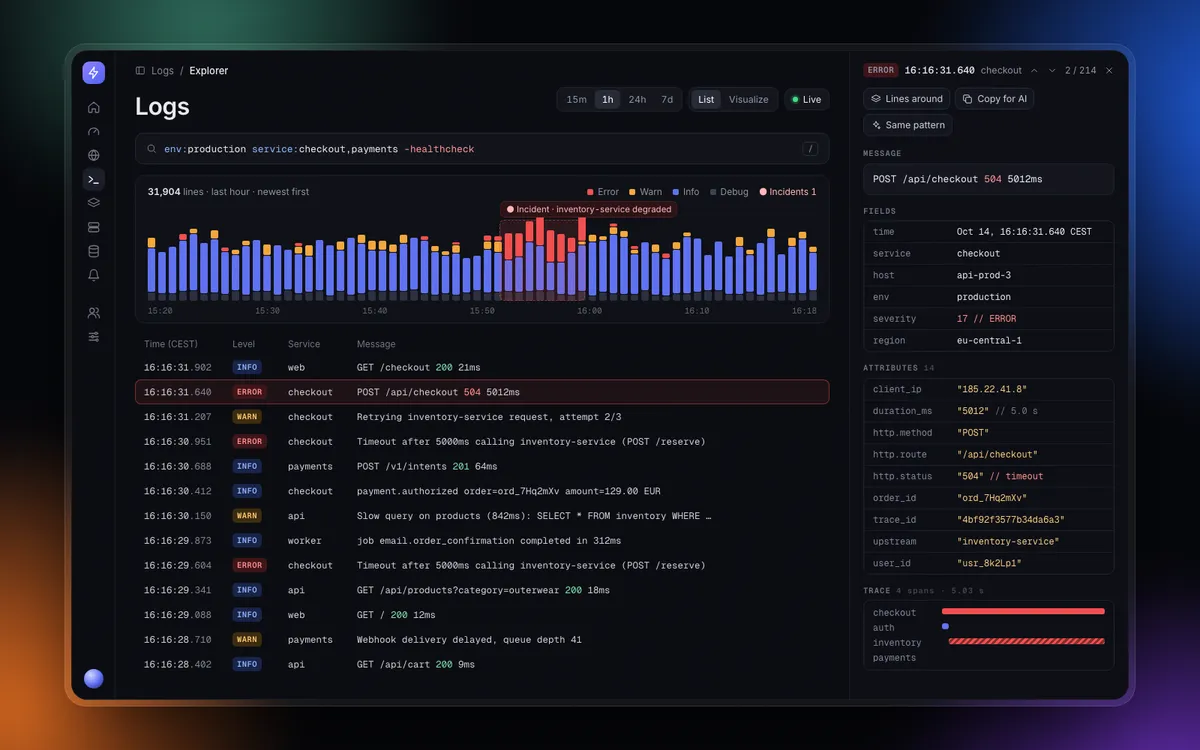
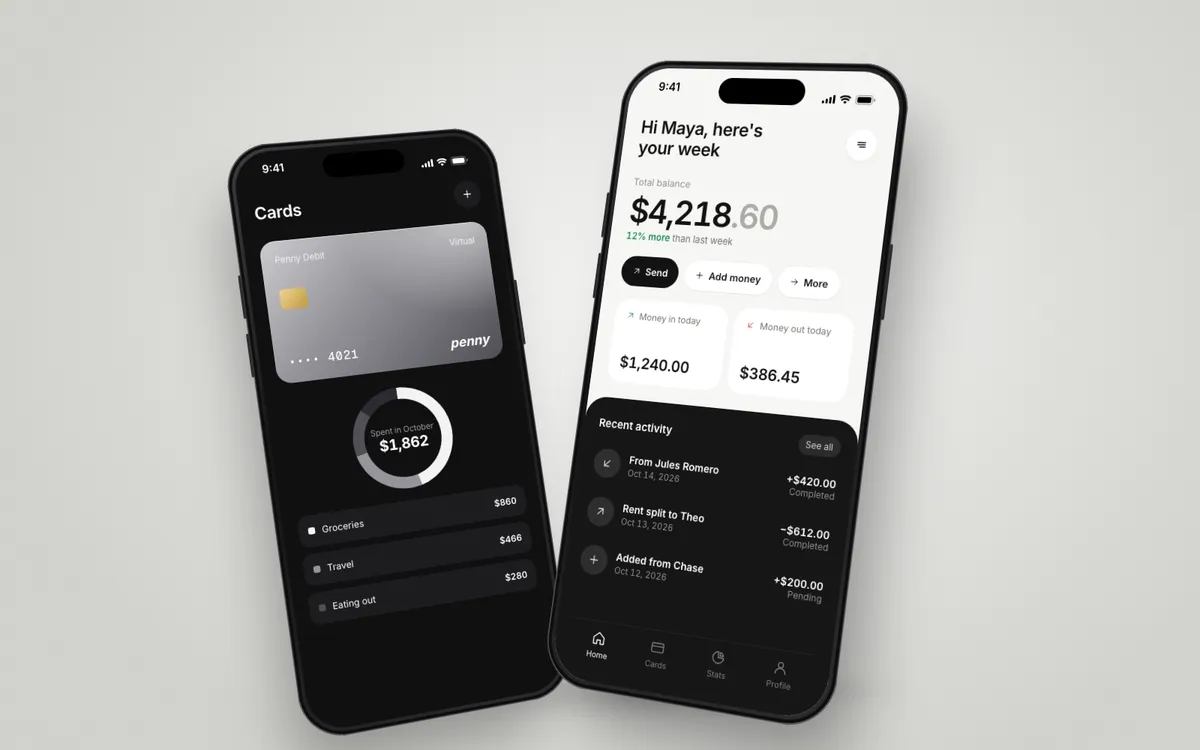
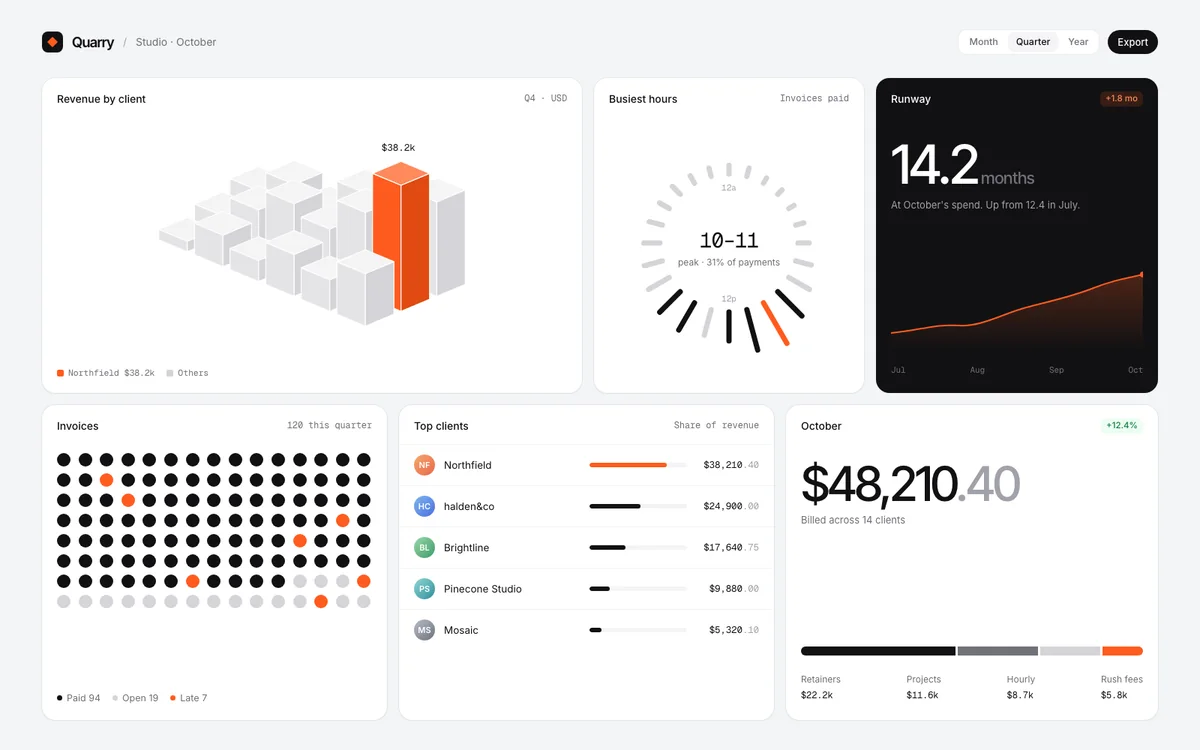
Save the UI you love from anywhere on your Mac. Moodfile tags it and hands it to Claude Code, Cursor or Codex, so they build in your style instead of the AI default.
Hit ⌥ ⇧ 1 on anything you'd steal. A site, an app, a frame of a video. Links and X posts paste in with ⌥⇧2.
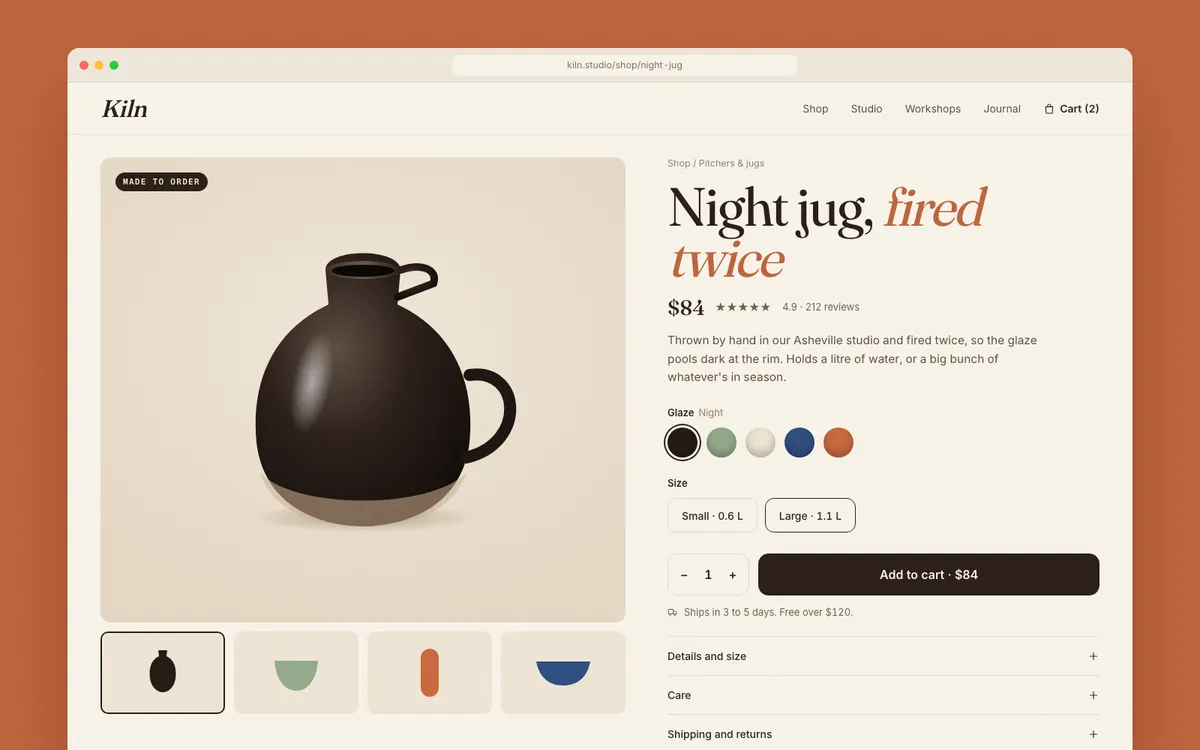
It lands in your library, already read. Tags, fonts, colours, and the one move worth stealing.
Your agent asks for the right references. Over MCP, along with MOODFILE.md, the style they add up to.
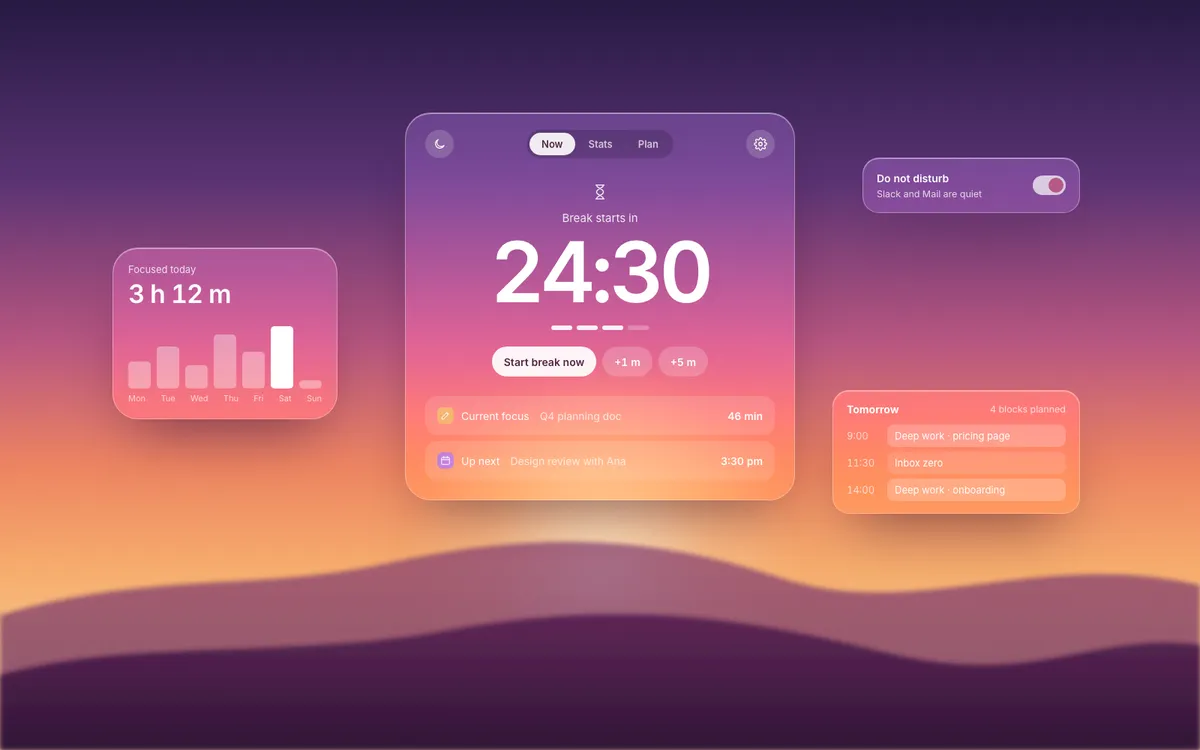
And builds like your bookmarks. Not like every other AI app.
02The difference
Two real runs of Claude Code. The only change on the right: Moodfile handed it three saved references and MOODFILE.md. Drag to compare.
03In the menu bar
Drag over any part of your screen. ⌥⇧2 saves whatever's on your clipboard: an image, a link or an X post. For links it reads the page's real fonts and spacing.
Kind, colours, fonts, layout and the one move worth stealing, from each save.
Your style, written down. Linked projects get it, and CLAUDE.md points to it.
Search, open a reference by its ID, or read the whole profile.
Turn two builds of the same prompt into a before/after for X, right from the app.
We’ll email when your spot opens.
Your place
Preview: nothing was saved. The live page stores your email.